Poor drafting creates hidden costs and production delays by forcing manual rework, retooling, and material waste. Clear drawings reduce sheet metal fabrication cost and shorten lead time.
- Ambiguous drawings cause rework, retooling, and extended production delays before parts leave the shop floor.
- Flat patterns, bend deductions, and material thickness must match the shop's capabilities to control sheet metal fabrication cost.
- Clear RFQs and defined tolerances reduce back-and-forth communication and shorten lead time.
- A cost driver table helps buyers compare quotes fairly and target the biggest savings.
How bad drawings hide cost and lead time
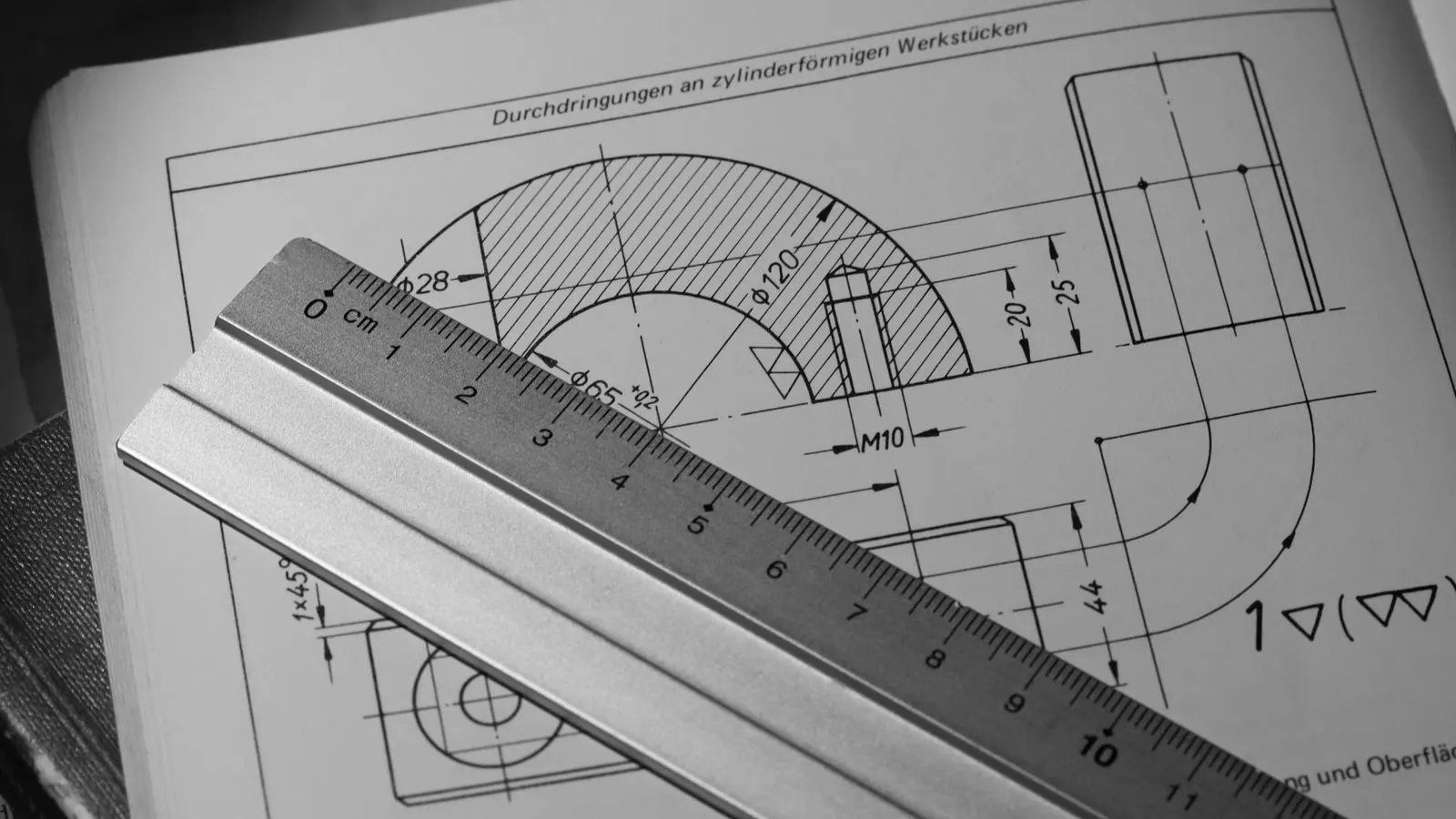
A poor drawing does not just slow down the shop. It changes how the part is made. When a sheet metal fabricator receives a model or 2D drawing with unclear bend lines, missing flat pattern data, or undefined tolerances, the shop must solve the problem before cutting the material. That work is usually paid for by the customer, even if the drawing came from an internal engineering team.
The result is a higher sheet metal fabrication cost and a longer production delay. The shop spends time calculating bend allowances, checking minimum bend radii, and reworking the flat pattern. If the material thickness or finish is ambiguous, the shop may have to stop production to ask a question. Every pause adds days.
This is not a case of being picky. It is a cost and lead time issue. The shop’s price reflects the risk of error. The more the drawing leaves to interpretation, the more the shop must charge to cover the labor of fixing it.
What design errors push price and delivery time up
A few common drafting mistakes have a direct impact on production. Each one can add labor, material, or calendar time.
- Missing or wrong flat pattern data: The shop must calculate the flat pattern manually. If the bend deduction is wrong, the part may not fold correctly.
- Unspecified material thickness: A drawing that says “steel” without a gauge or mill spec forces the shop to guess or call.
- Tolerances that are impossible or too tight: A tight tolerance on a formed feature adds inspection time. An impossible tolerance forces a redesign.
- No bend direction or bend line definition: The shop must infer the bend sequence. A wrong guess means a new flat pattern and a new part.
- No surface finish or coating spec: The shop must choose a default finish. If the customer expected something else, the part is rejected.
Each error is small. Together, they add up. A part with five ambiguous details can take as long to quote as a part with no ambiguity.
How to write a clear RFQ that protects cost and lead time
The RFQ is the first document the shop sees. It sets the tone. A good RFQ does three things: it defines the part, it defines the tolerance, and it defines the communication path.
Use a clear title block. Include the part name, drawing number, revision, material, thickness, and finish. If the drawing is a 3D model, state the flat pattern file type and the revision of the flat pattern. If the drawing is a 2D flat pattern, state the units and the scale.
State the tolerance. Do not assume the shop will use its standard. A general tolerance of plus or minus 0.5 mm is common for formed dimensions, but a tight tolerance on a critical feature should be called out. A loose tolerance on a non-critical feature should be called out too. The more you define, the less the shop must guess.
State the quantity and the delivery date. If the quantity is a range, state the minimum and maximum. If the delivery date is firm, state the penalty for late delivery. If there is no penalty, state that the date is target only.
A clear RFQ reduces the number of questions the shop has to answer. It also reduces the number of questions the customer has to answer. Both sides save time.
How to compare quotes fairly when cost and lead time vary
Quotes from different shops can look very different. One shop may quote a lower price with a longer lead time. Another may quote a higher price with a shorter lead time. Comparing them by price alone is a mistake.
Use a cost driver table. This table lists the factors that affect the price and the delivery time. It helps you see where the differences come from.
| Cost Driver | What It Affects | Typical Range |
|---|---|---|
| Material thickness | Price and lead time | Thin: lower cost, longer lead time |
| Bend sequence | Labor and tooling | Complex: higher cost, longer lead time |
| Tolerance | Inspection and rework | Tight: higher cost, longer lead time |
| Surface finish | Process time and price | Coated: higher cost, longer lead time |
| Quantity | Setup cost and price | Low: higher unit cost, shorter lead time |
| Lead time | Rush fees and priority | Fast: higher price, shorter lead time |
Look at the table before you look at the price. A lower price may come from a longer lead time, a looser tolerance, or a simpler finish. A higher price may buy a faster delivery, a tighter tolerance, or a better finish.
When you compare quotes, ask the shop to explain the cost drivers. A good shop will be happy to explain. A shop that will not explain is hiding something.
How to reduce production delays with better drafting
Production delays are often caused by drawing errors that are not found until the part is in production. The shop is cutting, bending, and forming the part. Then it finds that the bend line is in the wrong place, or the material thickness is wrong, or the tolerance is impossible. The shop must stop and fix it.
The best way to reduce production delays is to catch the errors before the shop starts. Do a design review before you release the drawing. Check the flat pattern. Check the bend sequence. Check the material thickness. Check the tolerances. Check the finish.
Use a design for manufacturability checklist. This checklist helps you find the errors before the shop does. It also helps the shop understand what you expect.
A design review does not have to be long. It can be a one-hour meeting with the shop and your engineer. Bring the drawing, the flat pattern, and the material spec. Walk through the part. Ask questions. Fix the errors.
A design review saves time. It also builds a relationship with the shop. The shop knows you are not just sending a drawing. You are working with them.
How to use the cost and lead time table in your RFQ
The cost driver table is not just for comparing quotes. It is also a tool for your RFQ. Use it to define the cost and lead time you expect.
For example, if you need a part in two weeks, state that in the RFQ. If you need a tight tolerance, state that. If you need a specific finish, state that. The shop can then use the table to calculate the price and the delivery time.
The table also helps you understand the trade-offs. If you need a shorter lead time, you may have to pay more. If you need a lower price, you may have to accept a longer lead time. The table makes the trade-offs visible.
Use the table in your RFQ. It helps the shop understand what you expect. It also helps you understand what you are getting.
Final check before you release the drawing
Before you release the drawing, do a final check. Make sure the flat pattern is correct. Make sure the bend lines are clear. Make sure the material thickness is specified. Make sure the tolerances are defined. Make sure the finish is specified. Make sure the quantity and delivery date are clear.
If you do not know the answer to one of these questions, ask the shop. Do not guess. A guess is a cost and lead time risk.
A clear drawing is a clear cost. It is a clear lead time. It is a clear relationship.
Frequently asked questions
What is the biggest cost driver in sheet metal fabrication?
Material thickness and bend sequence are the biggest cost drivers. They affect price and delivery time.
How can I reduce production delays?
Use a clear RFQ and a design review. Catch drawing errors before the shop starts.
What should I include in my RFQ?
Include the part name, drawing number, material, thickness, finish, tolerance, quantity, and delivery date.
How do I compare quotes fairly?
Use a cost driver table. Look at the factors that affect price and delivery time, not just the price.
What is a design for manufacturability checklist?
A checklist that helps you find design errors before the shop does. It includes flat pattern, bend sequence, material, and tolerances.